Website quality
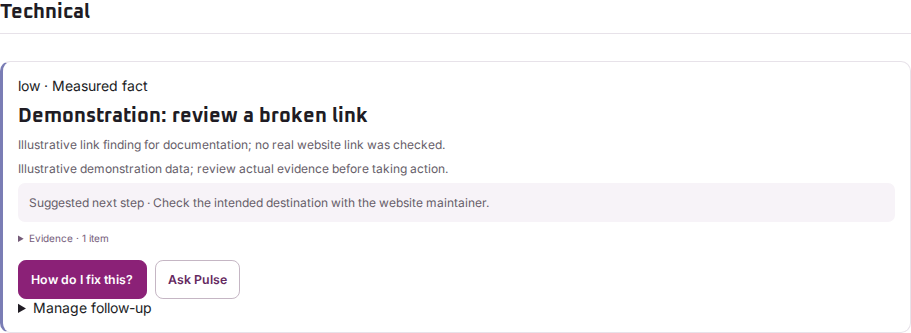
Investigate technical and broken-link findings
Check the affected address and recorded response before changing your website.
Reviewed
Follow the recorded evidence
Open the technical finding and read the affected URL, response and recommendation. Check whether the scan followed a redirect or reached an access restriction. A link response recorded during a scan may differ from what you see later.
Check a broken link
- Open the page containing the link in an ordinary browser.
- Check that the destination is the intended page, including its path and any query parameters.
- If the destination is wrong or removed, ask your website maintainer to update the link or arrange an appropriate redirect.
- After the change, check the link directly and compare a later scan.
Do not treat a login requirement, a bot challenge and a missing public page as the same problem.
When the result is unclear
Record the source page, destination, scan time and exact message. If the problem is intermittent, note whether it happens on mobile, after a cookie choice or only when signed out.
Regal Pulse can report what its check observed. It does not automatically repair links or prove that an upstream service is permanently unavailable.