Website quality
Investigate slow pages and mobile findings
Use the recorded page, device and timing to choose a useful performance check.
Reviewed
Read the measured page and device
Open the scan report and its performance or mobile findings. Check the scanned address and date, then read the evidence for the particular finding. A redirect, password page or access restriction can change what was measured.
Desktop and mobile results can differ because layouts, image sizes and scripts behave differently at different widths. A faster desktop result does not establish that a mobile customer has the same experience.
Investigate the specific evidence
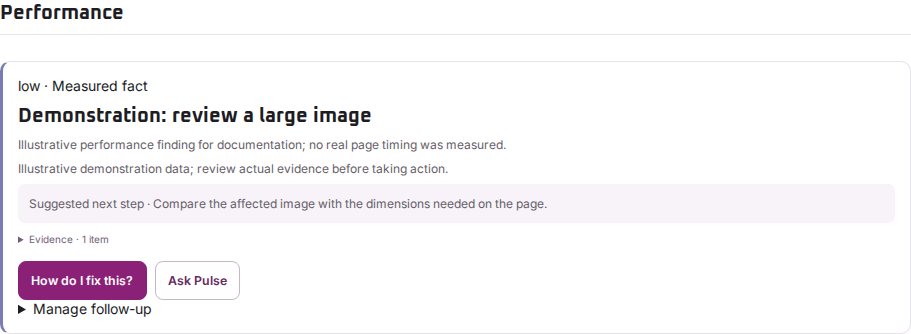
If the report identifies heavy images, review those images on the affected page before changing a global setting. If it identifies a slow response or layout problem, ask the website maintainer to compare that page under similar conditions.
Keep the original finding so you can compare it after the change. Avoid changing several unrelated plugins or settings at once: that makes the effect harder to identify.
Check whether the change helped
Run a later permitted scan and compare the same page and category. Also test the customer task in an ordinary mobile browser. Automated observations are a useful starting point, not a measurement of every visitor, connection or device.
Regal Pulse reports the evidence it observed. It does not compress your images, change your hosting or guarantee a particular loading time.