Website quality
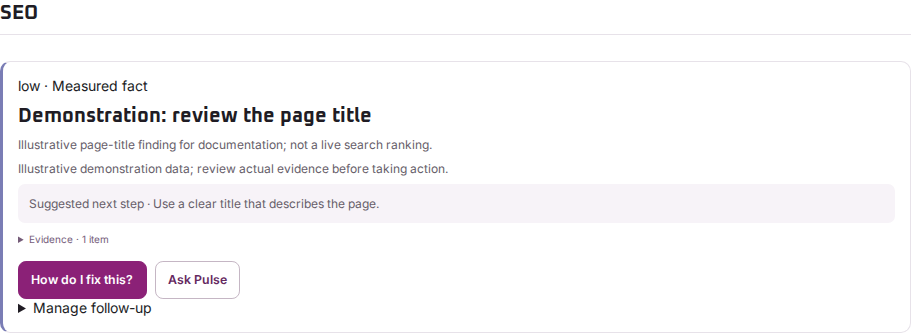
Review page titles, headings and search snippets
Check on-page findings without confusing them with a live Google ranking.
Reviewed
Open the on-page evidence
Use the scan’s SEO findings to inspect the title, headings and metadata observed on the scanned page. Confirm that the final URL is the public page you intended, rather than a sign-in or password screen.
Make a useful page-level change
A title should explain the page clearly. Headings should describe the content beneath them. A meta description can provide a useful summary, but a search engine may choose different text for its result.
Ask the website maintainer to update the affected page in its own content or SEO controls. Check the rendered page afterwards, then compare a later scan. Avoid copying the same title or summary across unrelated pages.
Separate page checks from rankings
On-page findings describe your website. Tracked keyword results describe a particular search, country or location, language, device and time. Search Console metrics describe Google’s recorded performance for a property.
Changing a title does not guarantee a ranking increase. Use the SEO workspace for dated ranking and performance evidence, and allow for data delays.