Journey Monitoring
Investigate a stopped journey and maintain its reference
Find the first unsuccessful step before changing the monitor or accepting a new reference.
Reviewed
Open the unsuccessful result
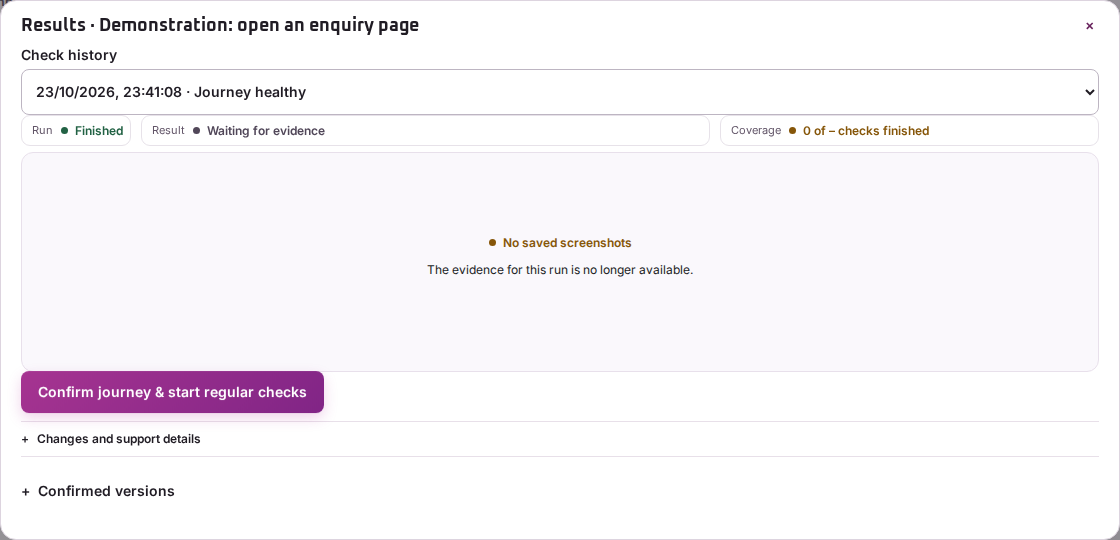
Choose View results for the journey and select the relevant entry in Check history. Identify the device, cookie choice and first step that did not finish as expected.
Read the message and screenshot for that step. Later steps may not have run, so do not treat their absence as additional website failures.
Distinguish the page from the configuration
Try the same public task in an ordinary browser using the same layout and cookie choice. A removed button, changed text, redirect or access challenge can affect the monitor’s target. A genuine page problem can also stop it.
If the website intentionally changed, open Manage and choose Edit or Edit with Pulse, review the steps and run another test. If the expected customer action is broken in an ordinary browser too, investigate the website before changing the monitor to accept the failure.
Maintain a useful reference
Accept a new successful result only after checking that the task still tests what matters. The Confirmed versions section retains earlier accepted references; where offered, Use this confirmed result restores an earlier one.
Keep a short note of why the reference changed. Contact support with the journey name, run time, device, cookie variant and stopped step if the evidence remains inconclusive.