Account, privacy and security
Understand the limits of security findings
Use recorded security observations as investigation prompts, with appropriate specialist advice.
Reviewed
Check what the finding actually shows
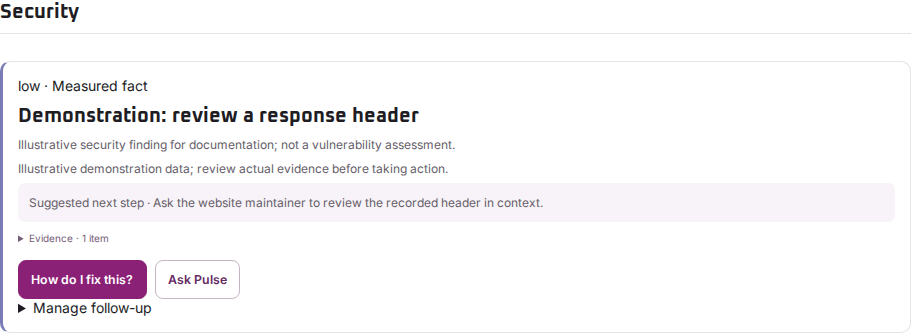
Check the affected URL, scan date and evidence. An observation about a browser-visible setting or header describes that setting at that time. It is not a penetration test or proof that the website is safe.
Ask for a suitable review
Share the exact finding with the person responsible for the website or hosting. Ask them to confirm the intended configuration and assess the recommended change before applying it. Some settings affect checkout, sign-in, embedded services or third-party integrations.
For a suspected incident, follow your organisation’s incident process and contact the responsible security or hosting team. Do not post credentials, private logs or exploit details in public support comments.
What the scan cannot tell you
A missing warning does not prove that no vulnerability exists. A limited scan may not have reached the affected area at all. Likewise, a recommendation does not show that an attack occurred.
After an approved change, verify both the setting and important customer tasks. Use specialist security testing where the risk warrants it.