Troubleshooting and terminology
Contact support with the information needed to help
Send a clear enquiry without including passwords, private logs or payment details.
Reviewed
Use the contact route directly
You can contact support without reading or rating several articles first. From a guide, Contact support carries its article context to the form. Choosing No under Did this article help? also offers that route.
Describe the problem clearly
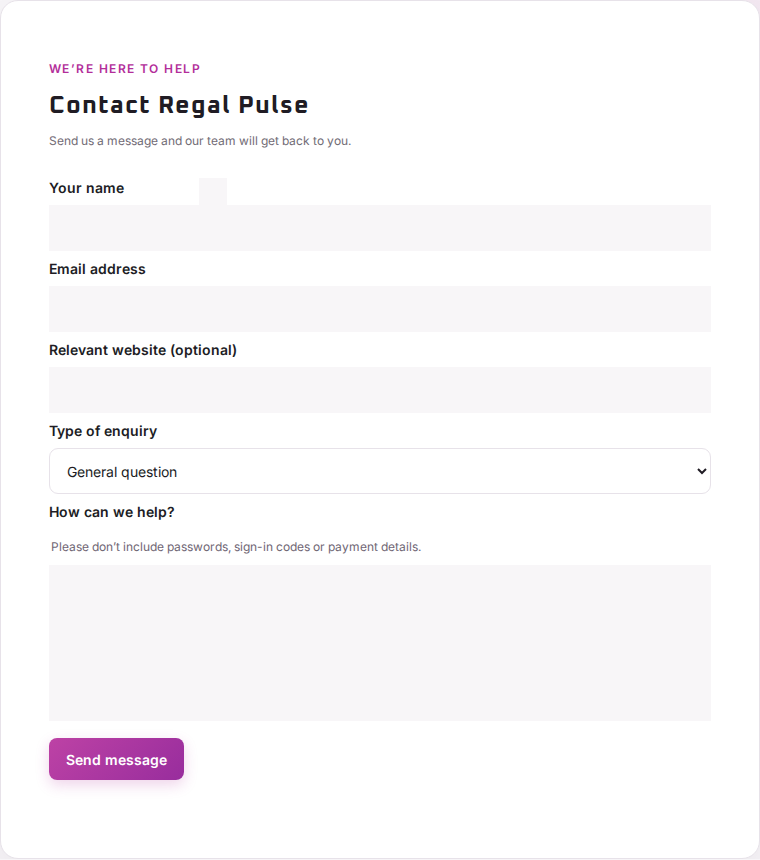
- Check your name and email address. When signed in, safe profile details may be prefilled.
- Add the relevant public website and choose the enquiry type.
- Explain what you expected, what happened instead, and when it occurred.
- Include the visible error and the relevant scan, journey or report date where useful.
- Send once and check the confirmation.
The form includes the public article title and link when you arrived from a guide. It does not automatically attach account logs or private diagnostics.
Keep sensitive material out of the form
Do not send passwords, sign-in or recovery codes, card details, private customer records or access-bearing links. Attachments are not accepted by this form; support can arrange a suitable way to share files if necessary.
If sending fails, the form shows an error. Check it and retry after the suggested delay. A successful submission confirmation means the delivery service accepted the message, not that a support agent has already read it.