
REGAL PULSE · BLOG
When your website goes down, finding out is only the first step
An outage alert should give you somewhere to start. Here’s how regular availability checks and a clear incident history can help you respond without guessing.
The awkward thing about a website outage is that it rarely waits until you are sitting in front of the screen. You might be visiting a customer, packing orders or finishing for the evening when the website stops responding.
Imagine a hosting problem begins after you leave work. The first sign you see is an email the following morning asking whether the website has closed. By then, you have two jobs: restore access and work out what happened.
Availability monitoring helps with the first part of that uncertainty. It makes regular requests so you are less dependent on someone happening to report a problem.
An alert is a starting point
Regal Pulse Availability Monitoring checks whether the configured website responds on a schedule. On plans with configured email alerts, it can notify you about an outage and recovery. Results and incident history give you something to review afterwards.
That is useful when you need to contact your host. “The website did not respond during these recorded checks” is a clearer starting point than “somebody said it was down earlier”. It helps you ask a focused question without pretending you already know the cause.
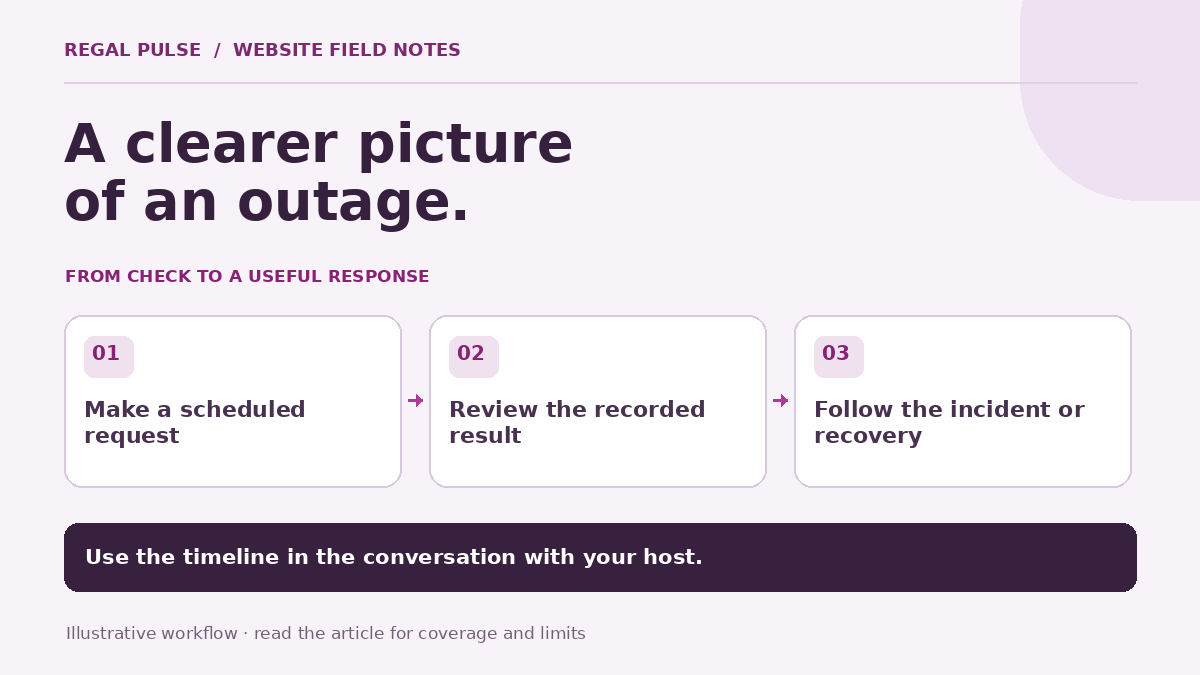
The graphic above shows an illustrative workflow. It is not an outage report or a promise about how quickly a particular incident will be detected.
Make the first response practical
When an alert arrives, resist the temptation to change several things at once. Start by reading what the monitor actually recorded.
- Check the affected website and the observation time.
- Look for an incident, recovery or access restriction in the result.
- Review any hosting, domain or website changes made around that time.
- Share the relevant observations with the person responsible for hosting.
You may also choose to check the website yourself from another connection. Your own visit and the recorded monitoring request are different observations. Treat them as context for the investigation rather than assuming one automatically cancels out the other.
A security challenge is not the same as an outage
Some websites challenge automated requests. A monitoring browser or request might be restricted while a normal visitor can still reach a page. Regal Pulse distinguishes restricted access from a confirmed outage, which helps avoid turning every blocked request into the same story.
If a result is restricted or uncertain, read that qualification. The next step may be to review scanning access with your website administrator, rather than asking the host to restart a working service.
Keep the recovery in the story
Knowing when the website responded again is useful too. It gives the incident a timeline and helps you check whether a change by your host coincided with recovery.
A recorded recovery does not tell you that every customer journey is working. A server can respond while a basket action still fails. Journey Monitoring checks the supported steps you configure, while Website Scans give you a closer look at a page visit.
Where included and configured, DNS Monitoring can provide another piece of context if the records behind your website address changed around the same time.
Fit the schedule to the website
Availability monitoring is scheduled observation, not a continuous connection from every visitor’s location. Your plan determines the available interval, and no single monitoring result guarantees that every page or region is working.
Choose a frequency and alert setup that are useful to your business. You can compare current availability intervals and monitoring allowances, then review prices and billing details. The aim is a clearer record and a more informed response, not another notification you don’t know what to do with.